Interviews
I asked buyers what they needed to know. I also asked the team which questions came up when they explained the product.
Buyers needed to understand how Whip Around would fit their fleet before starting a trial or booking a demo. I used interviews with buyers and the Whip Around team to plan the content, then designed and built the responsive website and landing pages.
Whip Around · Delivered website
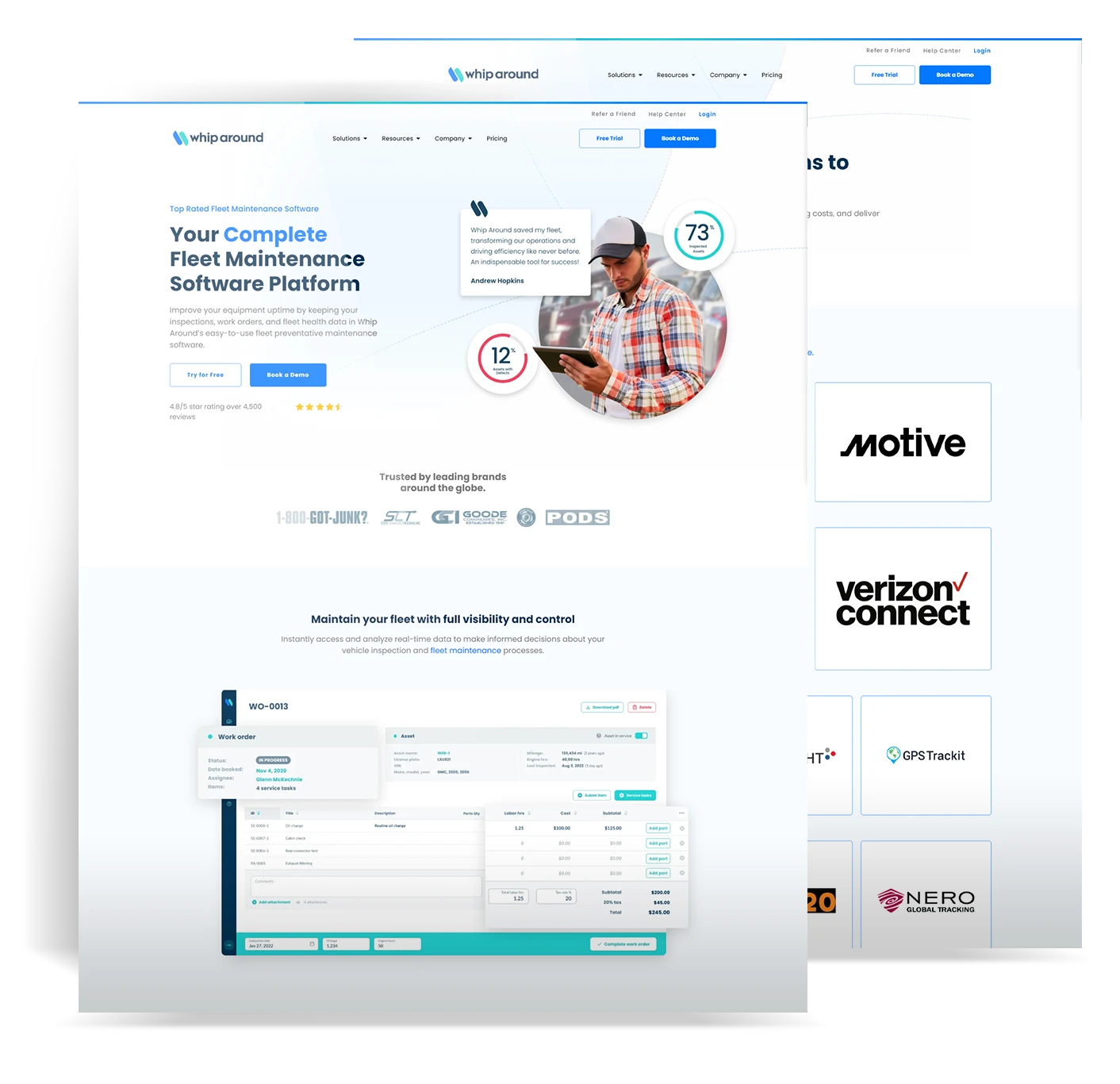
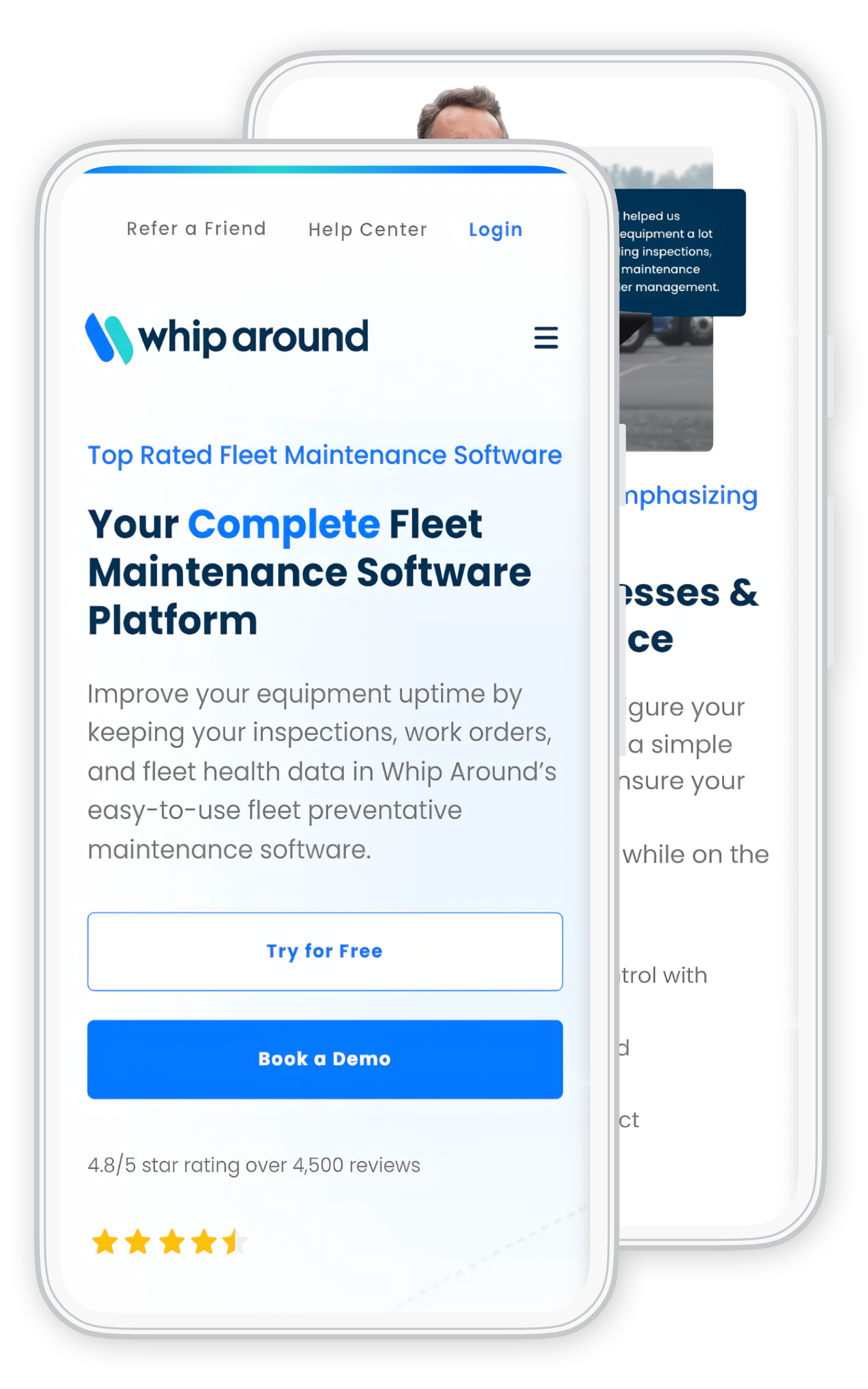
See how I used buyer questions to plan, design and build the website.
Chapter 1 of 5
See what buyers needed to know and how I used those questions to plan the pages.
Open the original artwork to look more closely, or continue to the next chapter.01 Buyers
Before booking a demo or starting a trial, buyers needed to understand what Whip Around did and how it would fit their fleet. Those questions guided my redesign.
Buyer and team interviews helped me understand the questions. Traffic paths and heatmaps helped me review how people moved through the website.
The interviews explained what people needed to know. Site behavior showed me which pages they visited and where they left.
I asked buyers what they needed to know. I also asked the team which questions came up when they explained the product.
I checked where people entered the site, which pages they visited next, and where they left.
I reviewed clicks and how far people scrolled, including on phones, to see which areas needed a closer look.
I looked for repeated details, missing answers and buttons competing for attention.
Who I spoke with
I asked about the work the software supported and what the website needed to explain.
The conversations helped me understand how people used the product day to day.
A clearer product explanationI used those questions to choose the page order and where to show customer evidence.
Page order + next stepsFleet and maintenance conversations helped me understand the work of keeping vehicles and equipment available.
I also spoke with people already using Whip Around and used their experience to help plan the pages.
The Whip Around team shared the questions they heard from buyers and the priorities for the website.
The questions helped me decide what came first, where to show customer evidence and when to offer a demo or trial.
Summary of the interviews, not a word-for-word transcript.
These examples show the questions each page needed to answer for different audience groups. They are not direct interview quotes.
What it does and how the team would start using it.
Needs to know: Will this make the operation easier without adding a system nobody uses?
How the team records inspections and follows up.
Needs to know: Will this help the team stay on top of inspections and accountability?
How the team spots issues, plans maintenance, and keeps vehicles available.
Needs to know: Does this fit the way our fleet works?
Chapter 2 of 5
See how I used buyer questions to order the content, add customer evidence and place the next action.
Open the original artwork to look more closely, or continue to the next chapter.02 Design
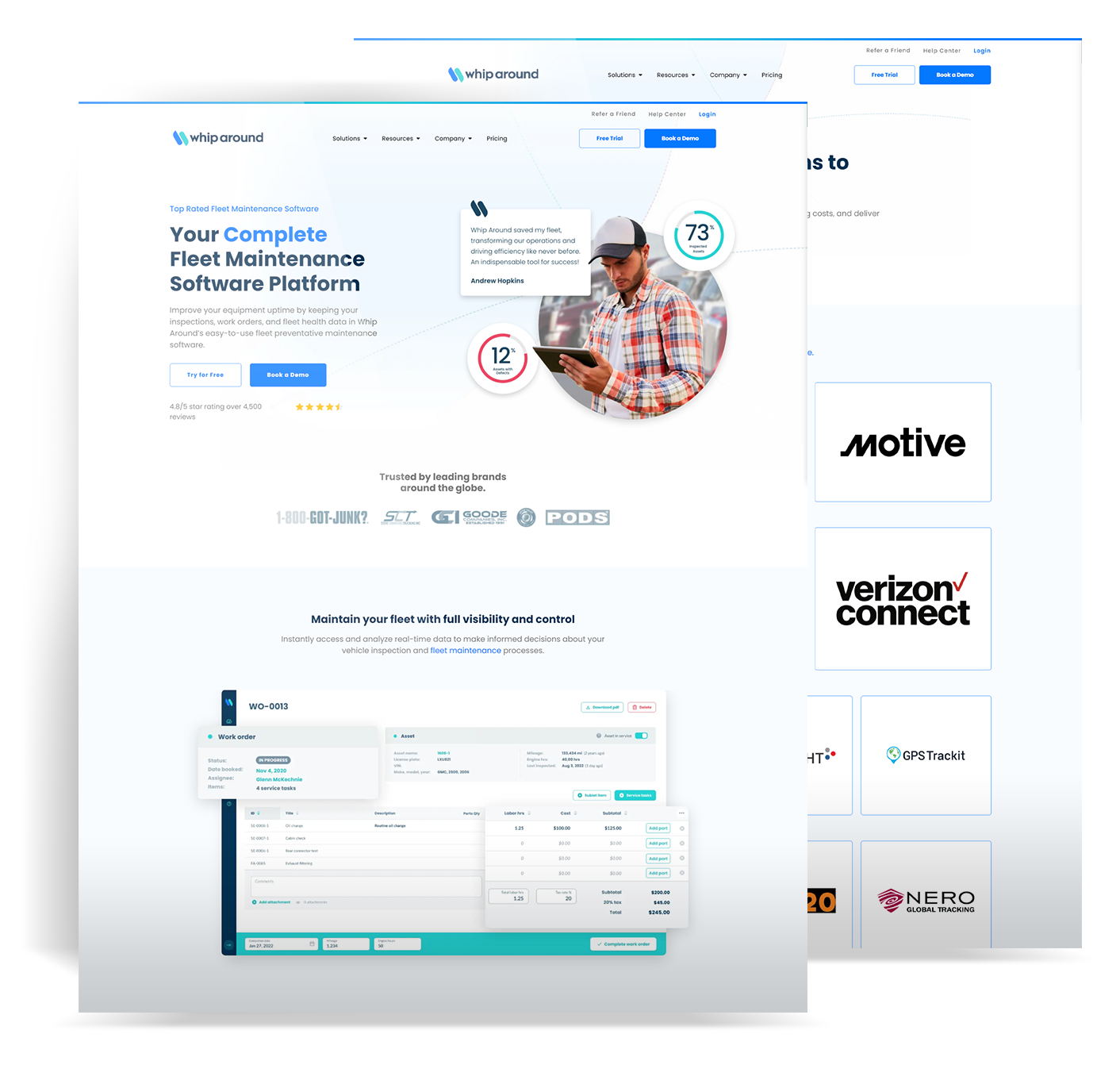
The old pages led with features. I started with a fleet problem buyers would recognize, explained how the software could help and placed ratings and customer logos nearby.
After reading about the product, buyers could try it themselves or book a demo. I kept both options visible.
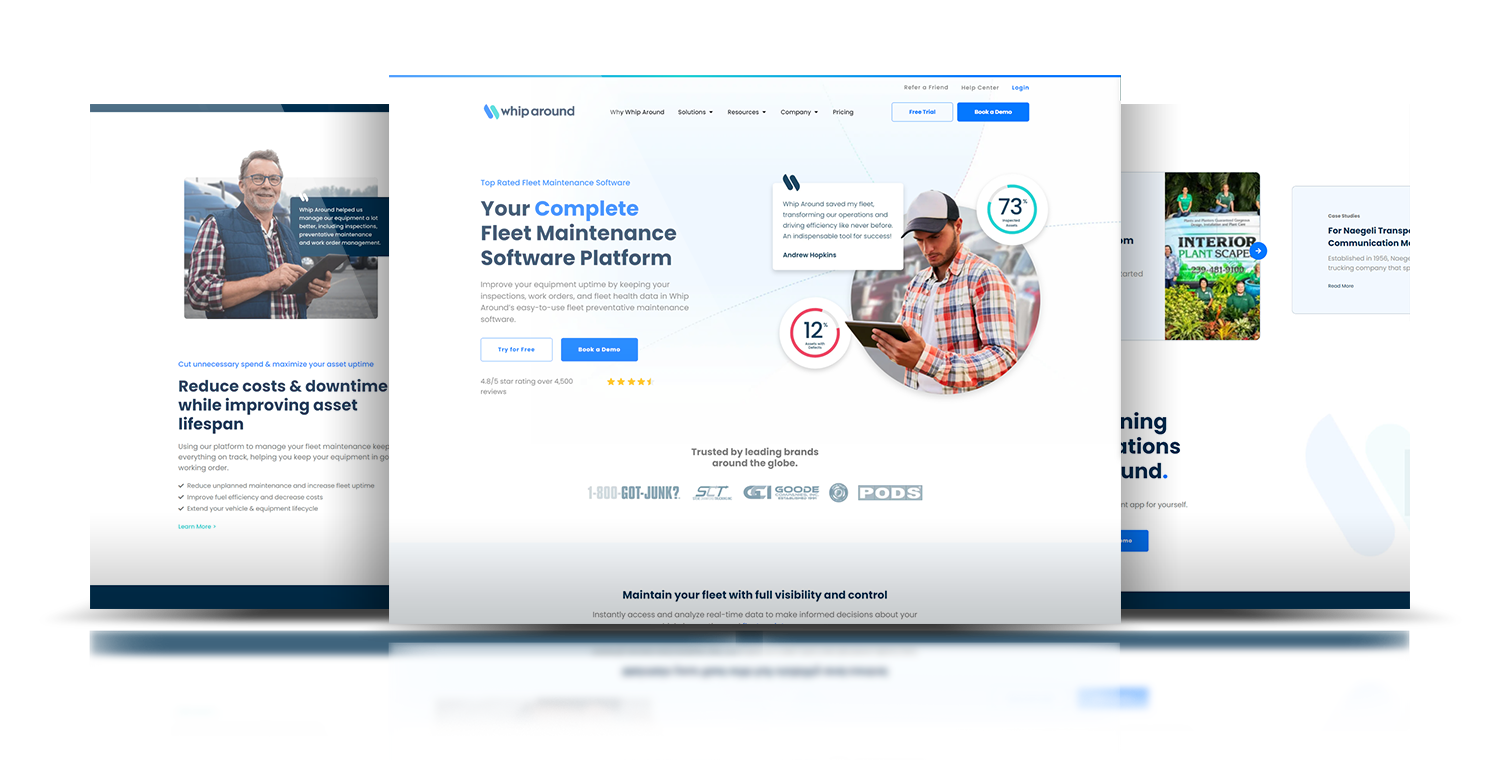
Website pages I designed and built. The fleet software shown inside them was outside my redesign.
The headline says what Whip Around does.
Ratings and customer logos sit near the introduction.
“Try for Free” and “Book a Demo” appear together.
Structure first
I kept the demo action at the top right and repeated it at the bottom. Between them, I explained the product and added customer evidence.
Try the controls below to highlight each part of the page.
Simplified page-structure illustration.
Mobile path
I shortened the opening and moved key answers higher on phones. I checked the coded pages to see how the content read and whether the actions had room to tap.
Decision 01
I started with a fleet or maintenance problem, explained how the software helped, then added the feature details.
Decision 02
I placed customer evidence beside the explanation it supported so buyers could read them together.
Decision 03
I made the trial and demo choices easier to distinguish, then checked their placement and tap spacing on phones.
Start with a vehicle or maintenance problem the buyer knows.
Explain how the software helps with that problem.
Show how the tools fit the buyer’s day-to-day work.
Show customer proof beside the question it answers.
Keep the free-trial and demo choices easy to find.
Chapter 3 of 5
See how I built the pages and checked them at different screen sizes.
Open the original artwork to look more closely, or continue to the next chapter.03 Delivery
I built the website and landing pages in HTML, CSS and JavaScript, with shared menus, cards and layouts I could use across the site.
Design into code
I checked the introduction, customer evidence and actions at different widths. On phones, I shortened the opening and gave the demo and trial buttons room to tap.
Chapter 4 of 5
See what I reviewed after launch and how it informed the next changes.
Open the original artwork to look more closely, or continue to the next chapter.04 Review
Review and improve
I reviewed analytics and heatmaps after launch to choose which mobile content and calls to action to adjust.
The two-page artwork shows the navigation, product message and actions together. The colored overlay is an illustration, not recorded click data.
Chapter 5 of 5
See my work from the buyer questions through the website build and later changes.
Open the original artwork to look more closely, or continue to the next chapter.05 Delivered work
Buyers could read what the product did, how it fit their fleet and who used it, then start a free trial or book a demo.
I explained the fleet problem and the product before listing features.
I kept both options visible in the page layout.
I built shared menus, cards, and layouts the team could reuse across pages.
I used analytics and heatmaps to decide which mobile content and calls to action to change.
I led the website work from buyer interviews and page planning through design, build, launch and review. My work covered the website, not the fleet software shown in the artwork.
More selected work